
Vehicle tracking: The number 1
choice for businesses
Over
800000
units installed since 2001
More than
23
years of telematics expertise
More than
600
new fleet customers each month
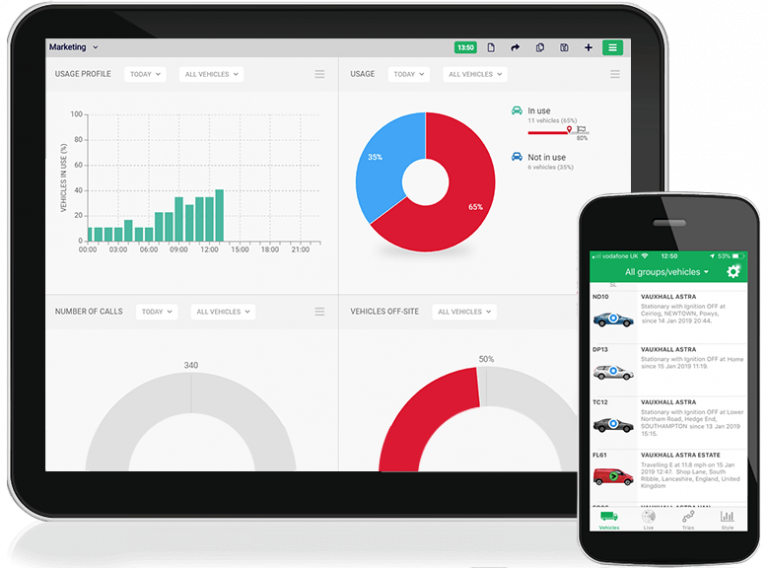
Helping 27,000+ businesses enhance productivity & reduce costs
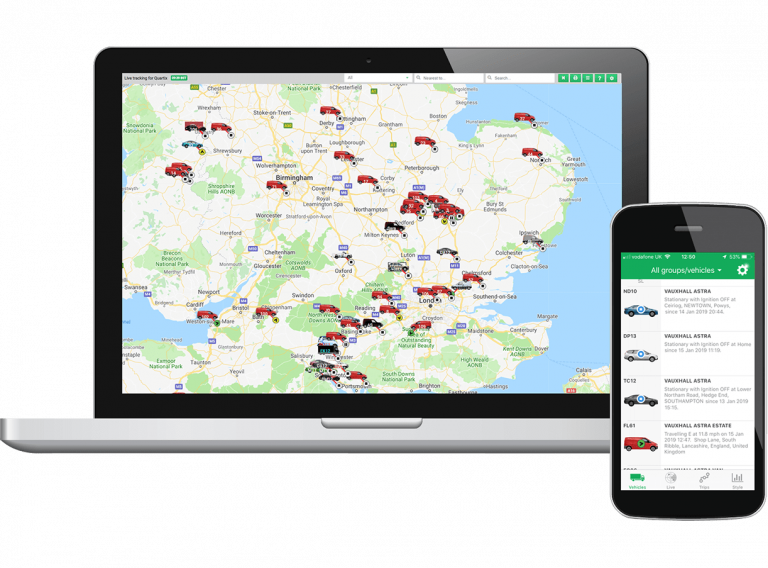
The Quartix vehicle tracking system provides commercial fleet tracking for cars, coaches, vans and trucks throughout the UK, US and Europe. Learn how the Quartix vehicle tracking features help a wide range of industries realise benefits and savings.
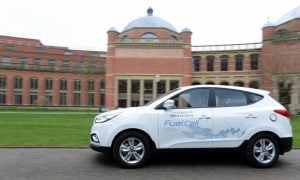
As a high-profile organisation, we are expected to adhere to industry standards and best-practices. Quartix helps us live up to that.
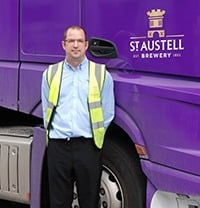
Quartix is all about seeing what your vehicles are doing and getting the best driving style out of your drivers. It enables you to reduce accident costs, maintenance costs and see a better fuel economy.
A trusted solution, empowering fleets of all sizes




Request a free vehicle tracking demo